










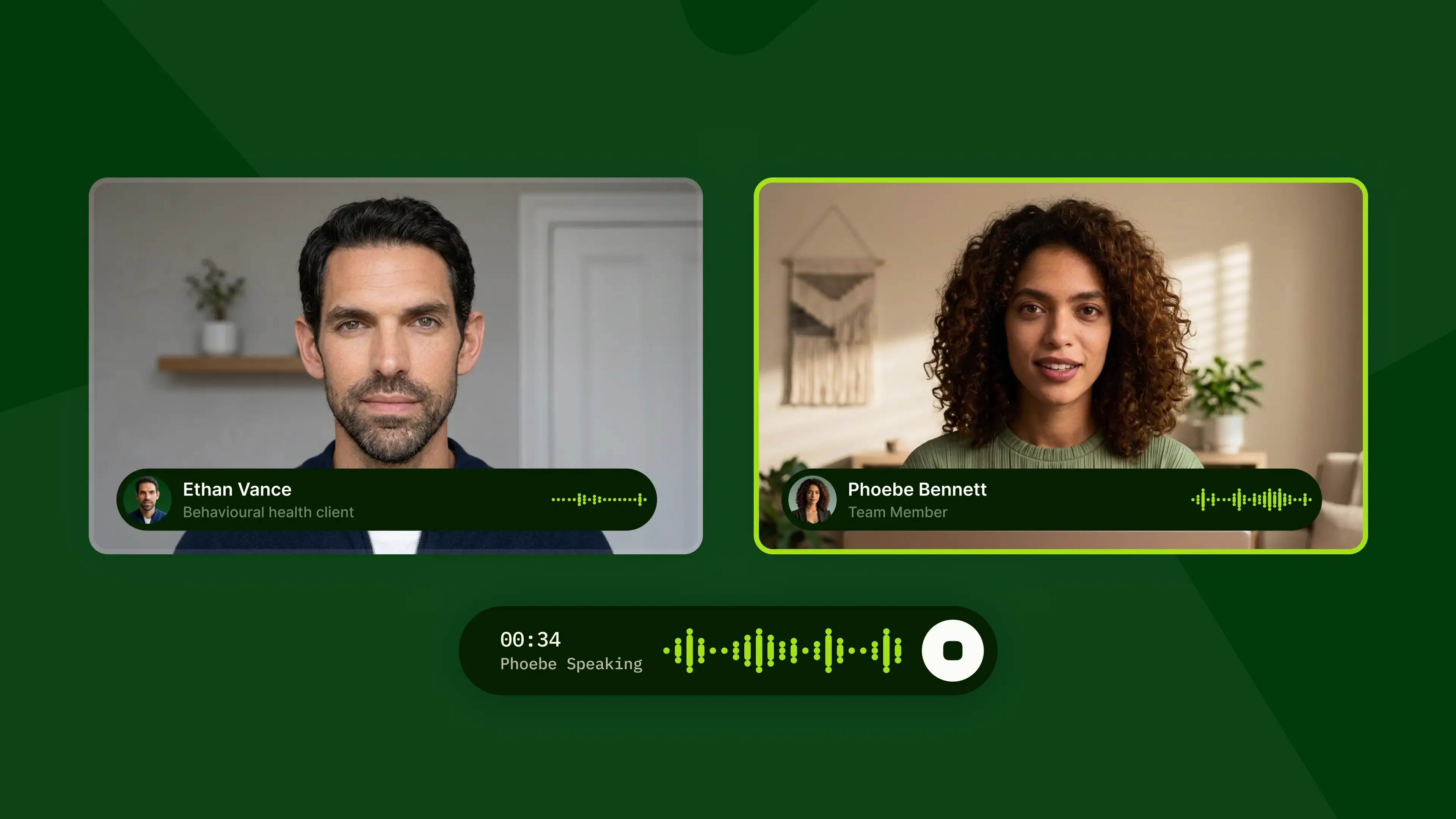

Some of the hardest conversations your team will have happen face-to-face. A customer who is angry before you've said a word. A patient who has received a difficult diagnosis. A pricing negotiation with a client. In those moments, your team needs practice that reflects more than a voice on a call.
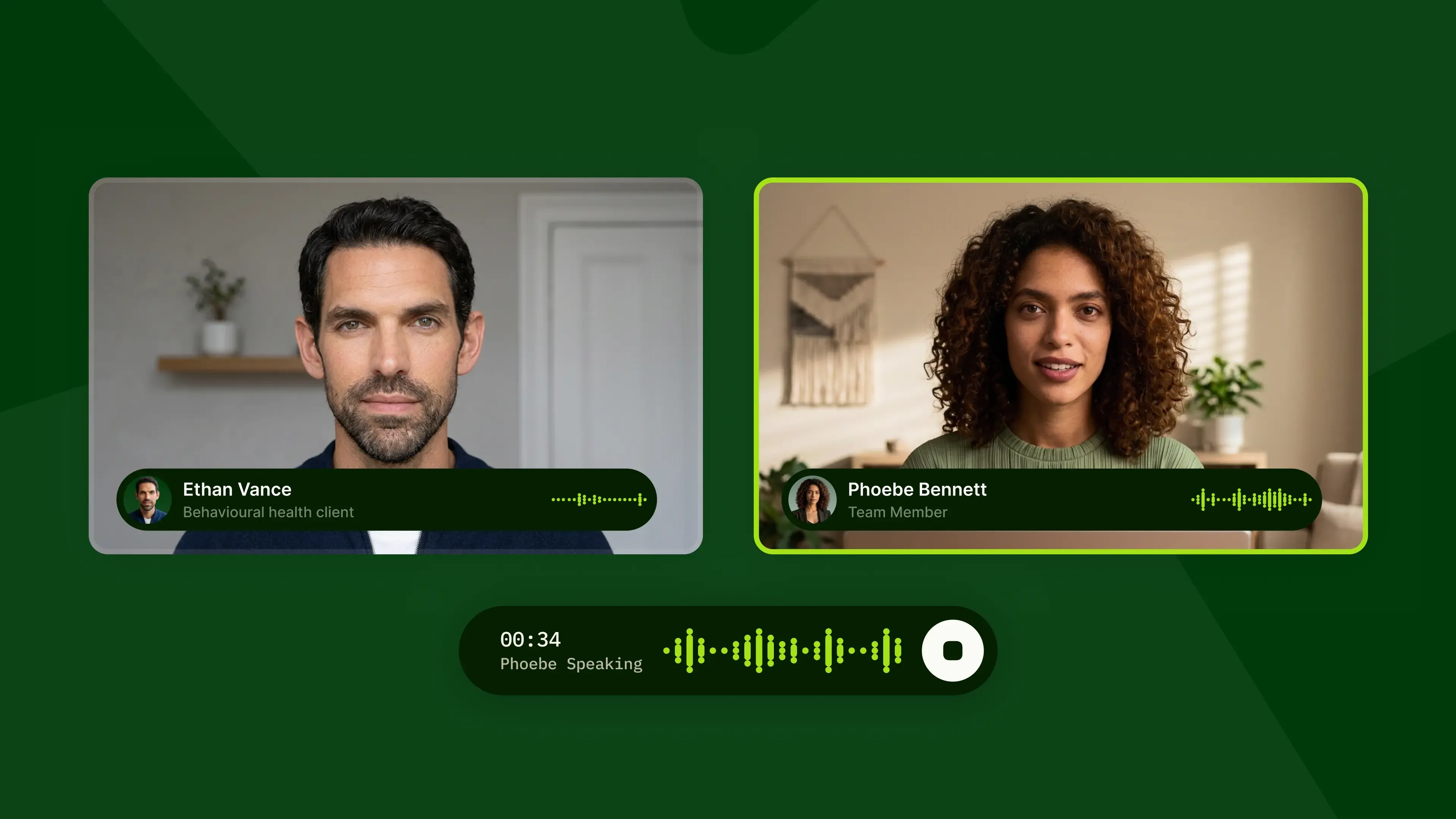
Today we're launching video simulations in ReflexAI. Your team can now practice these conversations with a lifelike avatar that looks, sounds, and reacts like the person they'll meet. Video joins voice and text as a third way to train, so you can pick the format that matches the real job.
Why face-to-face roles need video simulation training
Voice simulations work well for roles that happen on the phone. But many of the people we train don't work on the phone. They sit across from clients in an office, meet patients in a hospital, or greet customers at a counter. For them, voice alone leaves out half the conversation.
In person, people read each other. They notice crossed arms, a look away, a tense jaw. They also send signals of their own: eye contact, posture, a calm face when the other person is upset. You can't practice any of that on a phone call.
Our customers told us this directly. Many teams with in-person roles asked us for a way to practice face-to-face, and we built video simulations in response. The goal is simple: training should feel like the real job, so the first hard conversation isn't the real one.
These video simulations only work if they feel real. So we’ve made sure that they have the same pacing, micro-gestures, and interactions that happen in real conversations.
How to build a video simulation in ReflexAI
You can build a video simulation in a few short minutes:
- Choose video. When you create a simulation, select video as the modality, next to voice and text.
- Pick an avatar. Choose who your trainee will talk to. You can filter avatars by gender to find the right fit.
- Pick a voice. Select how the avatar will sound, so the voice matches the person you have in mind.
- Describe the persona. Write who this person is and what situation they're in, in plain language. No scripts or setup forms. ReflexAI builds the persona from your description.
Make every persona your own
No two teams face the same conversations, so customization is at the center of video simulations. You decide who the avatar is, how they sound, what they're dealing with, and how they react.
- Edit any detail. Open a persona and change whatever you want: situation, gender, personality.
- Adjust with a chat message. Want the persona to be more guarded, more upset, or more cooperative? Tell ReflexAI in the chat, in your own words, and it updates the persona.
- Preview before anyone sees it. Talk to the persona yourself before it reaches your trainees. Try it, adjust it, and try it again until it feels right.
- Publish when ready. When the persona is where you want it, publish it and your team can start practicing right away.
This loop of describe, preview, adjust and publish means you can match a simulation to the real people your team meets, and raise the difficulty as they improve. This also means you can have a video simulation live and ready to use in minutes.
Who video simulations are for
Video simulations are built for any role where the conversation happens in person. Here's how teams in a few of our core industries can use them.
Healthcare
Clinicians and front-line staff often meet patients who are scared, in pain, or feel judged. In these conversations, a calm face and steady eye contact matter as much as the words. With video, staff can practice hard moments like delivering difficult news, talking with a patient who is hesitant about treatment, or calming a frustrated family member, before they happen at the bedside.
Financial advisors
Clients bring their money worries to the table, sometimes literally. A client who is anxious about a market drop or doubtful about a plan may not say much, but their body language does. Advisors can practice reading those signals and building trust in high-stakes conversations about retirement, losses, or major life changes.
Front-desk and retail staff
At a front desk or counter, the customer is upset before the conversation starts, and there's no hold button. Staff can practice de-escalating an angry guest, handling a complaint in front of others, or saying no while still keeping the customer.
In-person sales
In a face-to-face meeting, a buyer's posture can show they've lost interest before they say a word. Sales reps can practice handling objections, reading the room, and adjusting their pitch in real time. They can start with a cooperative buyer and work up to a skeptical one.
What's next
Video simulations are an early step in expanding how teams can practice with ReflexAI. We’re continuing to build on the experience, with more capabilities to come.
If your team works face-to-face with clients, patients or customers, video simulations are ready for you now. Want to see how video simulations could fit your team’s training? Get in touch with ReflexAI.